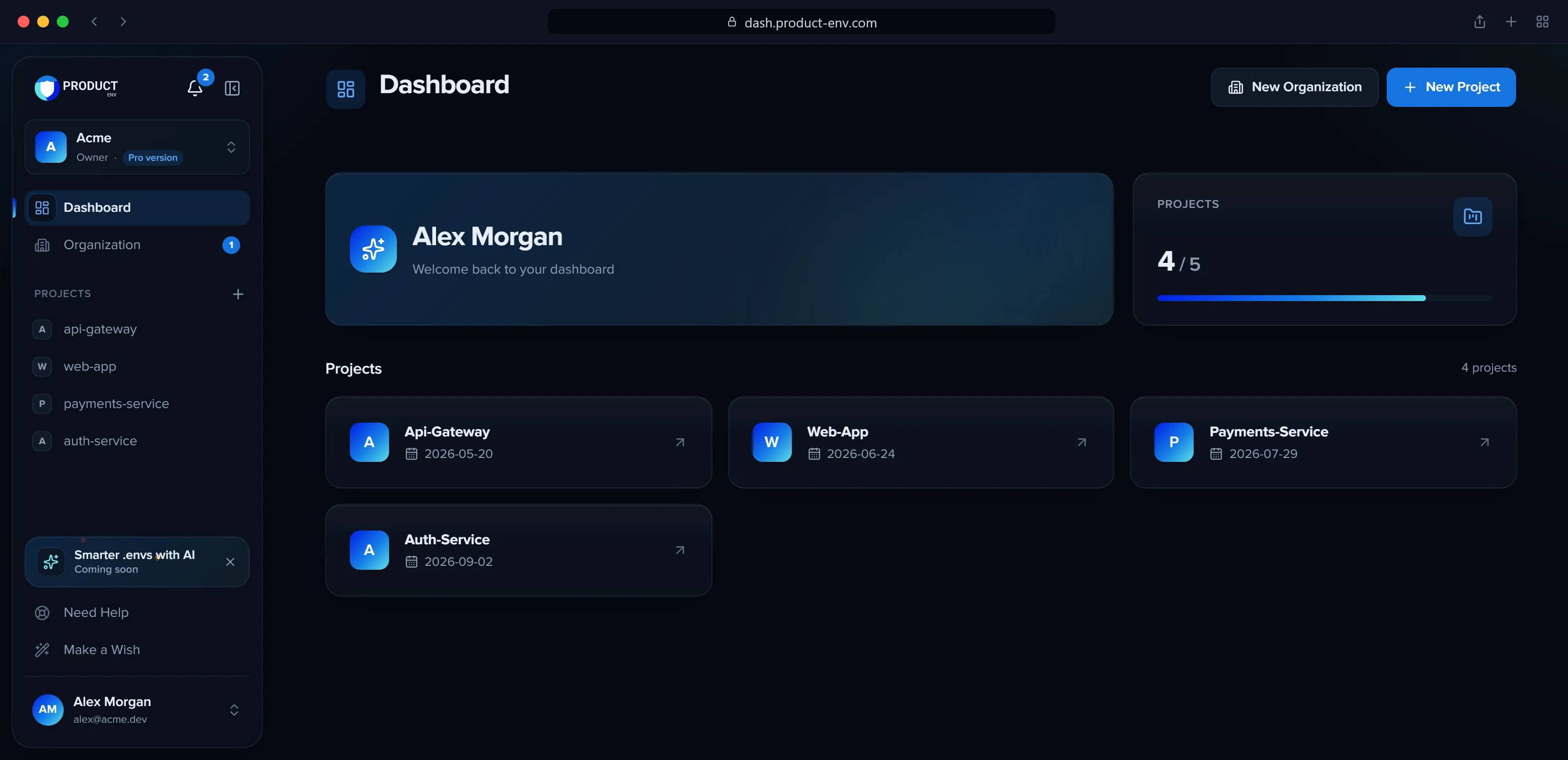
Store, share and sync your .env secrets: encrypted per project, organized by environment, shared with exactly the right people and delivered to your terminal, GitHub and AWS. Here is each feature in a sentence or two.
A project's secrets, one environment at a time. Values stay masked until someone with access chooses to show them.
.env.production
# Production settingsDATABASE_URL="postgres://app:example@db.internal:5432/app"REDIS_URL=redis://cache.internal:6379export FEATURE_FLAGS=checkout,searchMAIL_FROM="ACME <no-reply@example.com>"
Drag and drop a .env or .txt file
.env.production4 secrets found
DATABASE_URL●●●●●●●●●●will update
REDIS_URL●●●●●●●●●●will update
FEATURE_FLAGS●●●●●●●●●●new
MAIL_FROM●●●●●●●●●●new
Import secrets
Before anything is saved, the import shows which keys are new and which will replace a value.
Example · move a .env file into ProductEnv
Open the project, pick the production environment and choose Import .env file.
Drop your file (or paste its text). The preview marks new keys and the ones that will update an existing value; comments, export prefixes, quotes and multi-line values are understood.
Choose Import secrets. Everyone on the project gets a “Secrets updated” notification, and you can delete the file from your laptop: a teammate gets the same file back with the download button or productenv pull.
Encrypted secret storage
Every value is encrypted with AES-256-GCM under its own project key, which is itself wrapped by a master key that never lives in the database.
Values stay masked until you choose to reveal them
Copy a single KEY=value in one click
A database leak on its own exposes nothing
Each value is sealed to its project, environment and key, so it cannot be moved elsewhere
Each project starts with development, staging and production. Add your own, put them in the order your team works in, compare them to find missing keys, and delete the ones you no longer need.
Basic: the default development environment
ENV+: up to 6 environments per project
Up to 50 secrets per environment on ENV+ (20 on Basic)
Compare environments side by side to see which keys each one is missing, and add them in one click. Only key names are compared, never values
Deleting an environment removes its secrets too, after a confirmation
Drag and drop or paste a .env file, check which keys are new and which will be updated, then import them all at once. Download any environment back as a .env file.
Comments, export prefixes, quotes and multi-line values round-trip exactly
Add or update one secret at a time when you prefer
OSOmar Salehomar@example.comAdminapi-gateway · Adminweb-app · Member
MKMaya Khourymaya@example.comMemberapi-gateway · CI reader
dev@partner.exampleInvitation pending · expires in 6 daysResend
People lists everyone in the organization with their project access and pending invitations, in one place.
Invite people
lina@example.com
Organization roleMember
Project accessapi-gatewayMemberweb-appGuest
Send invitation
One invitation carries the organization role and every project grant; accepting it applies them together.
Example · a read-only role for CI
On Roles & permissions, create a custom role CI reader with only View secrets.
It costs $0.99 a month, charged only for the days left in your current period.
Give it to the account your pipeline signs in with: it can pull secrets but never change them, invite anyone or open the project settings.
Built-in roles at a glance
The project owner can do everything. On ENV+ (trial included) and Custom plans, the organization owner can change what Admin, Member and Guest are allowed to do, or reset them to these defaults:
What the built-in project roles can do by default
Permission
Admin
Member
Guest
View secretsSee and reveal secrets, download .env files and pull with the CLI.
Edit secretsAdd, update, import and delete secrets, and push with the CLI.
Create environmentsAdd environment types to the project (ENV+).
Manage environmentsReorder environment types, and delete them with their secrets.
Compare environmentsSee which keys each environment is missing (key names only, never values).
Sync GitHubPush secrets to the connected GitHub repository.
Manage AWSConnect, sync and disconnect AWS Elastic Beanstalk.
Open settingsOpen the project settings pages.
Manage peopleInvite people, cancel invitations, and give, change or remove roles that stay within your own permissions and cannot manage people.
Organizations and your workspace
A personal workspace is created for you when you sign up. Create more organizations, rename them and switch between them from the sidebar.
3 people per organization on Basic, 30 on ENV+
Name it the way you write it ("Acme Labs, Inc."). The name only has to be unique among your own organizations, whatever the case.
Its web address is made from the name (acme-labs-inc); if another account already uses it, 4 random characters are added.
One page lists everyone in the organization with their project access and pending invitations. One invitation carries the organization role and any project access, granted together when it is accepted.
Search and filter people, resend or cancel invitations
Add an existing member to more projects at any time
Built-in Admin, Member and Guest roles cover 9 project permissions, from viewing secrets to managing the team. Every action in the dashboard and the CLI checks them.
Change what the built-in roles can do on ENV+, trial included
Reset a built-in role to its defaults at any time
People managers can only give roles within their own permissions
Create roles of your own with exactly the permissions a person needs, for example a CI reader that can only pull secrets. Each role is a small monthly add-on, prorated to your plan period.
Members can request a role; the owner reviews, edits, approves or declines it
One source of truth, three ways out: the CLI, GitHub repository sync and Elastic Beanstalk sync.
~/code/api-gateway
$ productenv login🔐 Logged in successfully as jana@example.com$ productenv init --org acme --project api-gateway --env development$ productenv pull✅ Pulled 14 secrets from api-gateway/development → .env# edit .env, then review the change before uploading it$ productenv push📦 .env → api-gateway/development (merge) + SENTRY_DSN ~ DATABASE_URL1 added, 1 updated, 0 removed, 12 unchanged✔ Push these changes to api-gateway/development? Yes✅ Pushed: 1 created, 1 updated, 0 deleted
.github/workflows/deploy.yml
name: Deployon: push: branches: [main]jobs: deploy: runs-on: ubuntu-latest steps: - uses: actions/checkout@v5 # Synced from ProductEnv: the whole production .env in one secret. - name: Write .env run: echo "${{ secrets.PRODUCT_ENV_PRODUCTION_SECRETS }}" > .env - run: npm ci && npm run build
push shows what will change by key name only (+ new, ~ changed) and asks before writing; values are never printed. GitHub sync stores the environment's whole .env in one Actions secret named PRODUCT_ENV_<ENVIRONMENT>_SECRETS, encrypted with your repository's key; Elastic Beanstalk sync sets each secret as an environment property.
The productenv CLI
Sign in through your browser, link a folder to a project, then pull secrets into .env or push local changes back after reviewing the diff.
Switch environments with one flag
Run it in CI/CD with a CLI token, which never appears in a URL
See your organizations, projects and environments from the terminal
Connect an Elastic Beanstalk environment and send an environment's secrets to it as environment properties. Your AWS keys are checked on connect and stored encrypted, and only people who can view secrets can connect or sync.
Start free, upgrade when you need more, and pay locally in US dollars or Lebanese pounds.
Plan limits
Limit
Basic
ENV+
Custom
Projects per organization
3
5
Tailored
Environments per project
1
6
Tailored
Secrets per environment
20
50
Tailored
People per organization
3
30
Tailored
Upgrade to ENV+
MonthlyYearlyWhishWalletUSDLBP
ENV+ plan · monthly$4.99
Whish fee (1%)$0.05
Total$5.04
Pay with Whish
The exact total before you pay: the plan price, then Whish's 1% fee on its own line. Paying from your wallet has no fee.
dash.product-env.com/acme/wallet
Wallet Add fundsWithdraw
USD balance
$45.01
LBP balance
LBP 0
Deposit with WhishCompleted · Receipt+$50.00
ENV+ · acmePaid from your wallet−$4.99
The wallet belongs to your account and works for every organization you pay for.
Example · upgrading during the 30-day trial
You sign up and create your first project: the ENV+ trial starts on its own, with no payment details.
12 days in, you upgrade with 18 days of trial left. You pay only those days of the plan: $4.99 × 18 / 30 = $3.00 (plus Whish's fee when you pay with Whish).
The trial ends right away and the paid period runs until the trial's end date. From then on each renewal is the full monthly or yearly price, and Plan & billing shows the next payment before it is due.
Basic, free forever
Everything a small team needs to stop sharing .env files in chat: 3 projects, 3 people and 20 secrets per environment.
ENV+ unlocks every environment, more projects and a bigger team, billed monthly or yearly. The Custom plan brings tailored limits for larger organizations.
Plan & billing shows the exact total before you pay, fee on its own line
Pay in USD or LBP: scan the QR code on Whish's payment page with the Whish app, or type in the code it shows. Your plan turns on as soon as Whish confirms.
Whish's 1% fee is shown as its own line
Every payment is verified with Whish server to server
A payment that arrives too late to apply is refunded, and you are told
An inbox in the dashboard, browser push notifications and cards in the open tab for invitations, new access, people joining, payments, price changes, support replies and announcements.